Tesla Adds More Ways to Report Charging Problems in Its App
Tesla’s app has more categories for reporting problems at Superchargers, Megachargers and Destination Chargers. Here’s how to send a report.

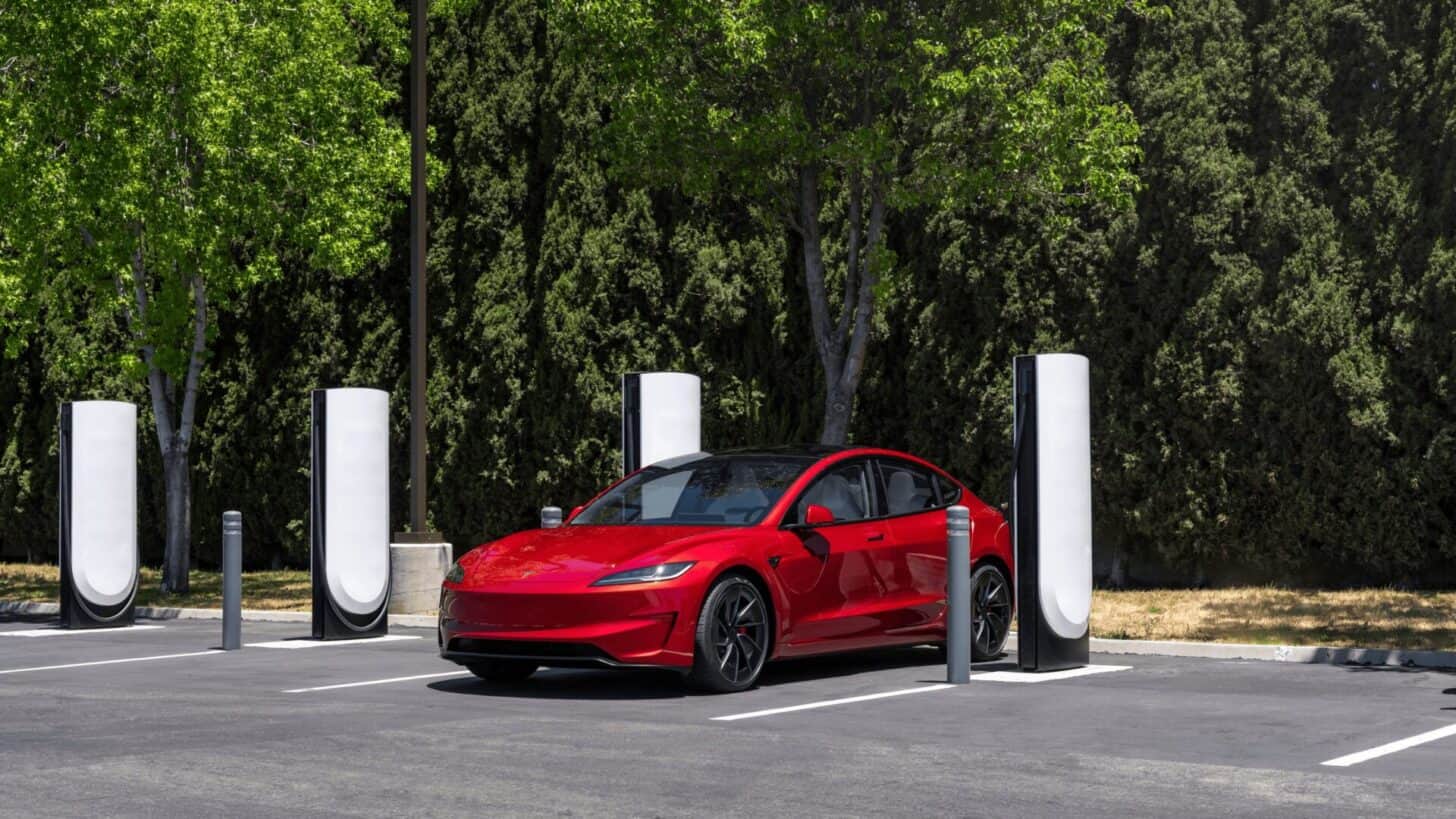
Tesla has added more categories to its app for reporting problems at Superchargers, Megachargers and Destination Chargers. Tesla Charging announced the change on November 23 and used a snow-blocked charging site to show what a report can look like.
In the clip, the driver adds a photo and types which stalls are blocked by snow. Tesla says the reports go to its 24/7 operations team. That gives drivers a way to flag things on the ground that a charger can’t necessarily detect on its own, such as a blocked entrance, litter or damage at the station.
How to Report a Tesla Charging Issue
Open the Tesla app, select the charging location and tap Report an Issue. Choose the category that best fits, add a photo and include enough detail to help Tesla find the problem, such as the stall numbers. Tesla’s charging support page walks through the same steps for Superchargers and Destination Chargers.
The reporting tool itself isn’t new. Tesla added Supercharger reporting in November 2024, including the option to send a report while you aren’t charging. This update expands the categories rather than introducing a new report button. Tesla has also added site maps to its phone app that show individual stalls and their availability.
Tesla news, every morning.
Software updates, deliveries, FSD rollouts. Five minutes. Free.