Tesla FSD v15 Release Notes: Everything You Need to Know
Read Tesla’s FSD v15 release notes, with Reality View, new routing and parking controls, speed camera slowdown, and Bike Rack Mode.
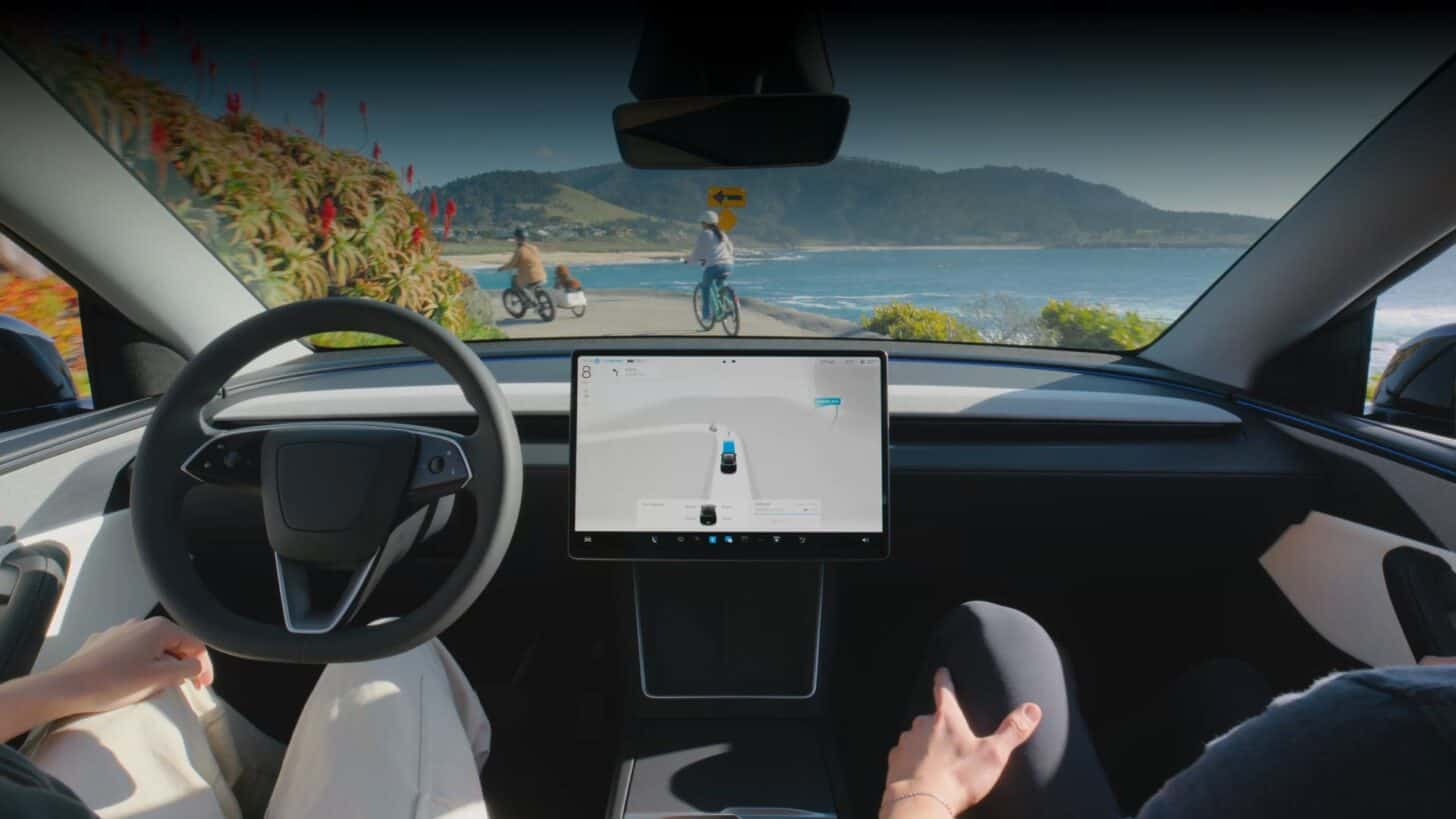
Tesla has started sending FSD v15 to its first group of customers. The release notes show what changed, from the new overhead driving view to a setting for cars carrying a bike rack. Tesla hasn’t said who’s next in line, but Elon Musk expects a wider release in December.
What’s New in the Driving Software
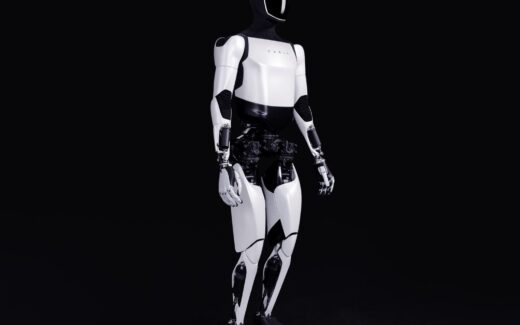
- Tesla says it upgraded the system that interprets camera images across FSD, Robotaxi and Optimus. It trained that system on millions of online videos and claims a 25-fold improvement in its rate of critical interventions. That’s Tesla’s own intervention measure, not a crash-rate comparison.
- Tesla says the car reads signs better, spots more small animals, debris and chains, and picks up finer road details, including potholes. It’s also designed to avoid deep standing water.
- Speed choices better account for the selected driving profile, posted limits, school zones and weather. Autoshift uses FSD’s predictions to choose the next gear.
- Tesla says the driver-attention camera works more often when you wear a hat or sunglasses. Attention checks are less strict in higher-speed driving profiles, according to its notes.
Tesla Reality View
The new display generates a live view as if a camera were above the car, showing your surroundings and the path FSD plans to take. Tesla AI software chief Ashok Elluswamy said the same model renders the scene, with arrows for planned turns and pins for intended parking spots. He said the new view uses less computing power than the old one.
You can choose a full-screen visualization, map, split view or quiet mode. Upcoming turns appear right in the driving view, and Tesla says turn signals sound softer and fade after the first few clicks.
Routing and Parking
FSD starts learning from routes taken by other Teslas, but for now that only affects the beginning and end of trips. Tesla says full routes are coming in later v15 updates. The car also learns where you previously parked at a destination and can show several spot options on the map.
Speed Cameras and Bike Racks
- Speed Camera Slowdown: FSD can slow down when it spots a speed camera. Press the accelerator or choose a higher speed profile to cancel it. Cancel it twice at the same camera and the car remembers not to slow down there. You can clear saved cameras under Controls > Service > Manage Saved Locations.
- Bike Rack Mode: You can use FSD with a bike rack or similar hitch accessory. The car pulls over near the destination without reversing. Autopark, Summon, and backup chimes and warnings are disabled in this mode.
These are still updates to Full Self-Driving (Supervised). Drivers need to pay attention and be ready to take over.
Here are Tesla’s two original posts with the complete release notes.
Which v15 change would make the biggest difference on your regular drive?
Tesla news, every morning.
Software updates, deliveries, FSD rollouts. Five minutes. Free.