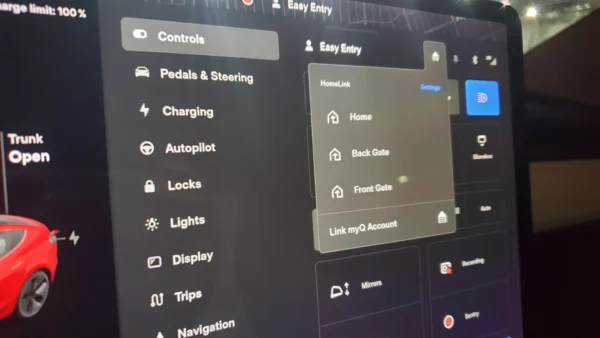
Photo: r/spikkeddd
One Tesla owner has discovered a way to do-it-yourself (DIY) install a module enabling Homelink on their Tesla, as shared in a video last month (via Reddit).
Homelink integration means offering full control of your garage door, gate system or other radio-frequency (RF) controlled devices from your Tesla’s touchscreen and normally costs $350 USD from Tesla for the Model 3/Y, which includes installation by the automaker.
Reddit user u/spikkeddd shared details about the DIY Homelink retrofit on Reddit, saying they found a compatible module to enable the service for $200 on eBay.
The user simply removed the frunk liner and performed a service mode retrofit while installing the part, after Tesla’s service mode began allowing a Homelink retrofit without the SC toolbox in recent months.
The owner also noted that it’s important to power cycle the car prior to installing the DIY version of Homelink, adding that they had to power down the vehicle again after the installation.
Users in the Reddit thread asked if the module was used or if the old hardware was VIN-linked, though the original poster said they weren’t sure if it was VIN-linked, adding that the module they purchased was new.
The user also shared a short video detailing the installation process, including both the hardware and software elements of the part.
Tesla also made improvements to its user interface in its recent holiday software update, expanding garage door opening to MyQ customers.
You can see the full video on how to install a DIY version of Homelink in your Tesla below:


