Image: Tesla/X
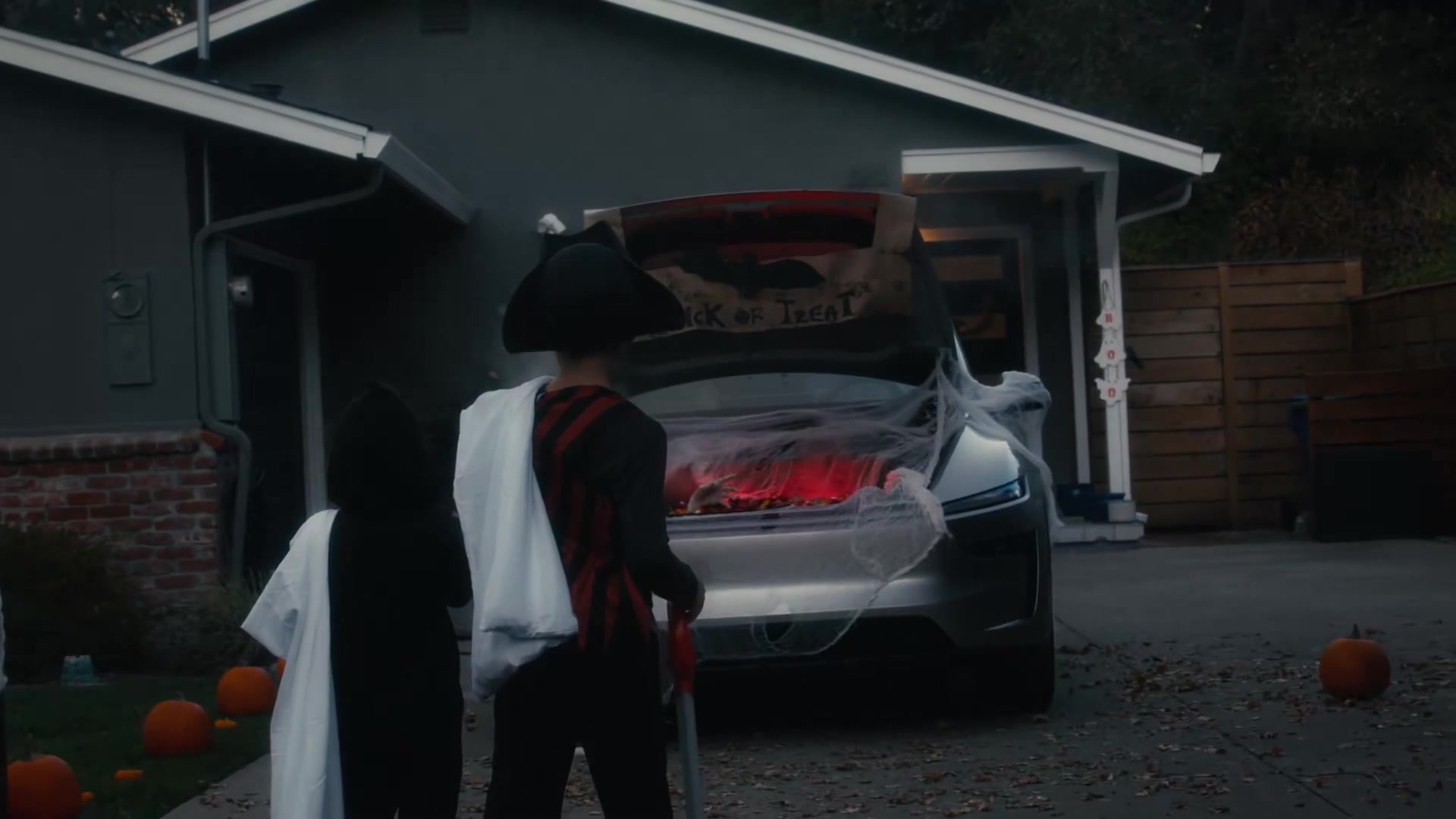
Tesla is showing owners how to switch on Trick or Treat mode, a Toybox setting that plays spooky sounds and lights when visitors walk up to the car.
It builds on the Halloween features that arrived in the 2026.38.3 Halloween Update earlier this month, just in time for October 31.
The official Tesla account posted a short video of decorated cars startling costumed kids, then replied with the menu path: Toybox, Halloween Mode, then Trick or Treat.
Here is how to turn it on from the cabin screen:
- Open Toybox.
- Select Halloween Mode.
- Tap Trick or Treat.
Once enabled, the car plays spooky sounds and lights when people walk up. The feature works on Hardware 3 cars that have the AMD Ryzen processor and on Hardware 4 cars.
Spooking kids with the car is familiar ground for Tesla owners. A 2021 Halloween clip of a Tesla talking to trick-or-treaters went viral, and the company had already shown how the phone app could pipe a robot voice through the external speaker.
Will you leave Trick or Treat on for the kids this Halloween?