Inside the Tesla Model Y Robotaxi’s Seat and Climate Controls
Rider screenshots show the Model Y Robotaxi app’s rear-seat folding controls and separate climate settings for the front and back.

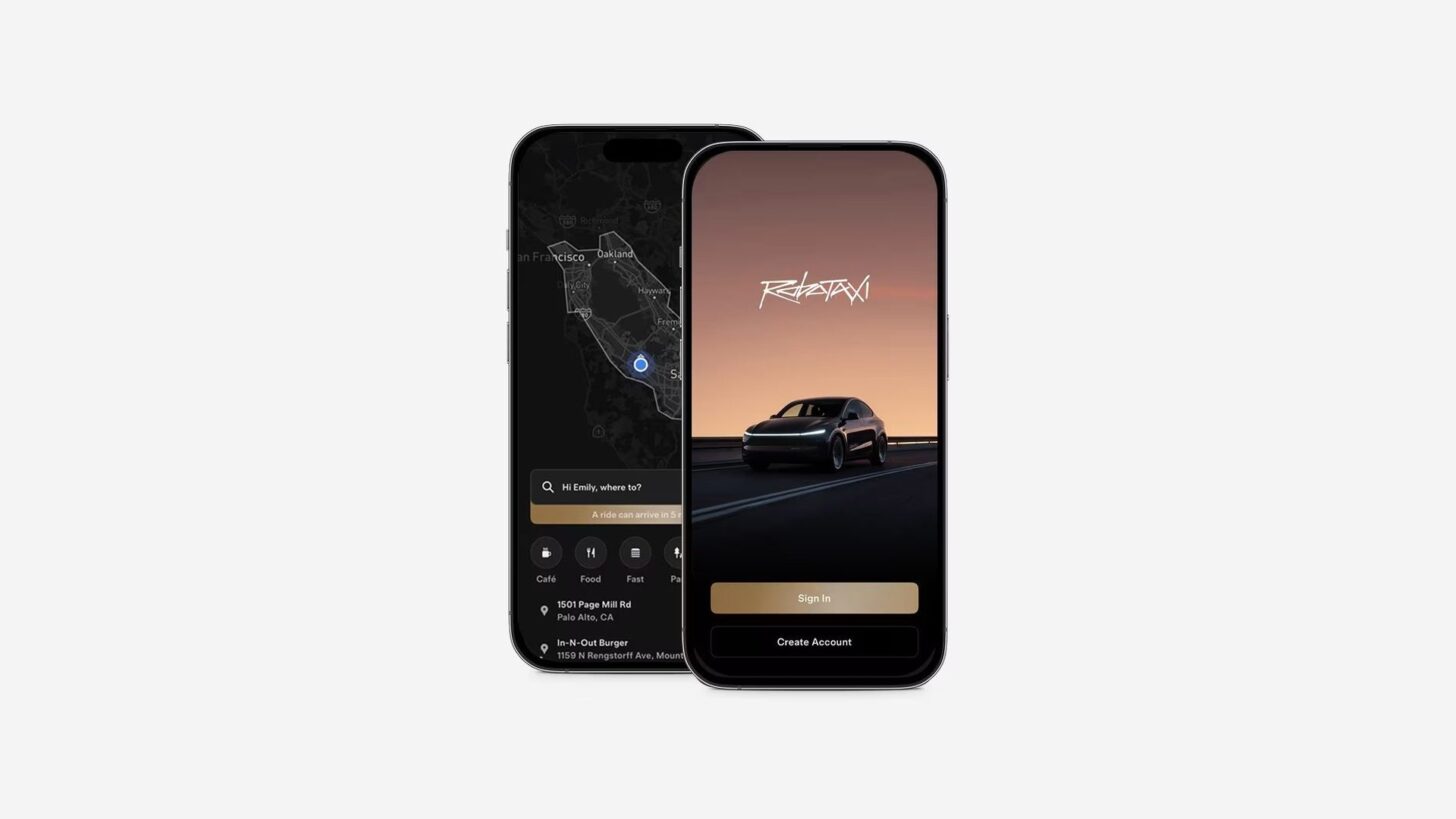
Rider screenshots offer a closer look at how passengers can adjust the seats and climate in a Tesla Model Y Robotaxi from their phones. Tesla lead UI designer Adam Kasprzak shared the images on November 22, thanking fellow Tesla designer Harrison Munden for his work.
The screenshots, originally posted by rider Ethan McKanna, show a Seat Controls screen with up and down arrows and two Fold buttons for the rear seats. There are no front-seat adjustment buttons on that screen. The climate screen splits the front and rear cabin into tabs, with controls for temperature, fan speed and airflow, along with seat heater indicators and rear vent controls.
Riders could already adjust seats and climate from the phone when the Robotaxi app came to Android in April. Tesla describes those controls in its Model Y rider guide. Its seating instructions also point riders to the physical switches and rear touchscreen. The climate guide describes adjustments from the Robotaxi app or in-car touchscreen.
An October teardown of the Robotaxi app had already turned up references to folding and reclining the rear seats and adjusting the second row’s climate. McKanna’s screenshots show what those controls look like from the rider’s side. They show the Model Y passenger app, not the controls for Tesla owners or the purpose-built Cybercab. Tesla has separately discussed a driverless Model Y configuration with up to seven seats.
Would you rather adjust the cabin from your phone or use the touchscreen in the car?
Tesla news, every morning.
Software updates, deliveries, FSD rollouts. Five minutes. Free.