Tesla Software Update 2026.38.6.11: FSD v15.0.1 Release Notes
Tesla software update 2026.38.6.11 brings FSD (Supervised) v15.0.1, Reality View, Speed Camera Slowdown and Bike Rack Mode to the first wave.
Look for software build 2026.38.6.11 if you’re checking whether Tesla’s first Full Self-Driving v15 release has reached your car. A photo of the update screen shared by Dirty Tesla shows the download in progress and names it FSD (Supervised) v15.0.1. That’s the version number on the car for the first v15 rollout, not evidence of a second update.
Teslascope’s early sightings of this build came from U.S. Model Y vehicles with AI4 hardware. That’s a snapshot, not Tesla’s eligibility list. We’ve also seen an owner drive with v15 in downtown Toronto, though his footage doesn’t confirm the exact build. Elon Musk has said he expects a wider release in December.
FSD (Supervised) v15.0.1
Tesla upgraded how FSD processes camera footage, sharing part of the system with Robotaxi and Optimus. The company says that helped improve its critical intervention rate by a factor of 25. Tesla AI director Phil Duan said the difference is apparent across millions of fleet miles, not on a single drive. The notes list better detection of signs, small animals, debris and potholes, as well as changes to speed selection, driver attention monitoring and Autoshift. Drivers still have to pay attention and be ready to take over.
Tesla Reality View
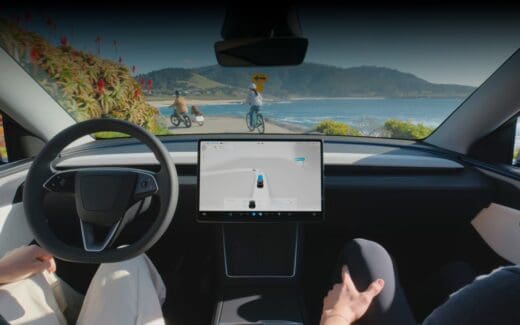
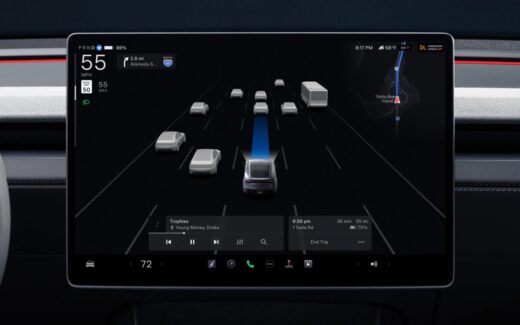
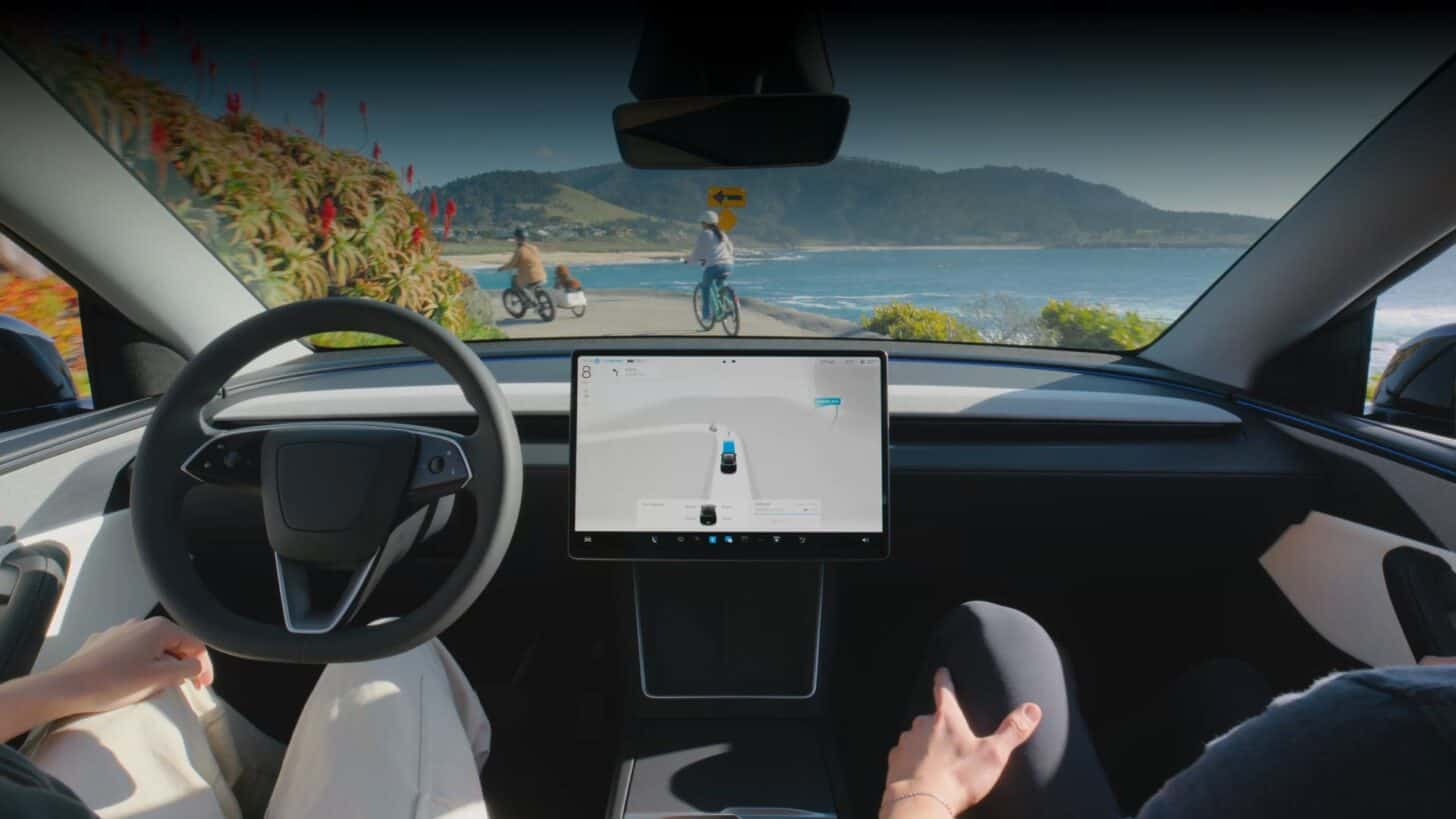
The new driving view shows the car and its surroundings from above, with arrows for planned turns and pins for parking. Drivers can choose a full-screen view, map, split view or a quieter display. Tesla’s release notes add: “Upcoming navigation turns display directly in the driving visualization.” Tesla AI software chief Ashok Elluswamy described it as “pixels-in-pixels-out”: the model turns camera images into the rendered view end to end. He says it uses less computing power than the old visualization. Musk put it at about half of one AI4 accelerator during visualization and said it doesn’t use a game engine. He compared the overhead view to GTA.
Quoting Musk’s comment on computing power, Tesla AI’s Ritvik Rawat said the team is hiring engineers to work on kernel optimization, quantization, compilers and hardware-software co-design.
FSD can suggest places you’ve parked before and show multiple options on the map. Musk later described tapping an exact drop-off or parking spot as the intended interaction. Early owner footage hasn’t confirmed how that works in this build while FSD is already engaged.
For a look at Reality View on a longer drive, Sawyer Merritt shared 25 minutes of his own nighttime FSD v15 footage showing the new display and routing. He said the car pulled straight into his garage at the end.
Speed Camera Slowdown
The car can slow down for speed cameras. Tesla says drivers can override that with the accelerator or a faster speed profile. Overriding at the same camera twice saves an exception, which can be cleared under Controls > Service > Manage Saved Locations.
Bike Rack Mode
With a bike rack or similar hitch accessory fitted, this mode can pull over near the destination without reversing. It also turns off Autopark, Summon and backup chimes and warnings.
Tessie lists the complete notes for build 2026.38.6.11. See our FSD v15 release notes roundup for more context on routing, parking and the changes to the driving model.
If this build has reached your Tesla, what did you notice first?
Tesla news, every morning.
Software updates, deliveries, FSD rollouts. Five minutes. Free.