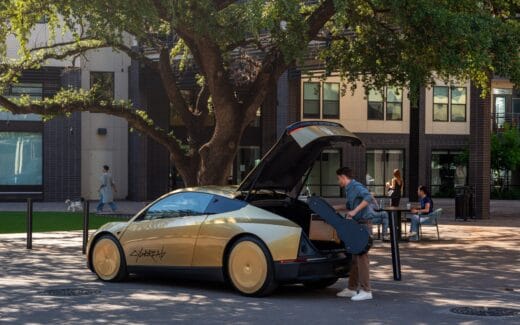
What Happens When Police Pull Over a Tesla Cybercab?
Tesla’s first responder guide explains how Cybercab handles a traffic stop, from fast-flashing hazards to a call with Robotaxi Support.
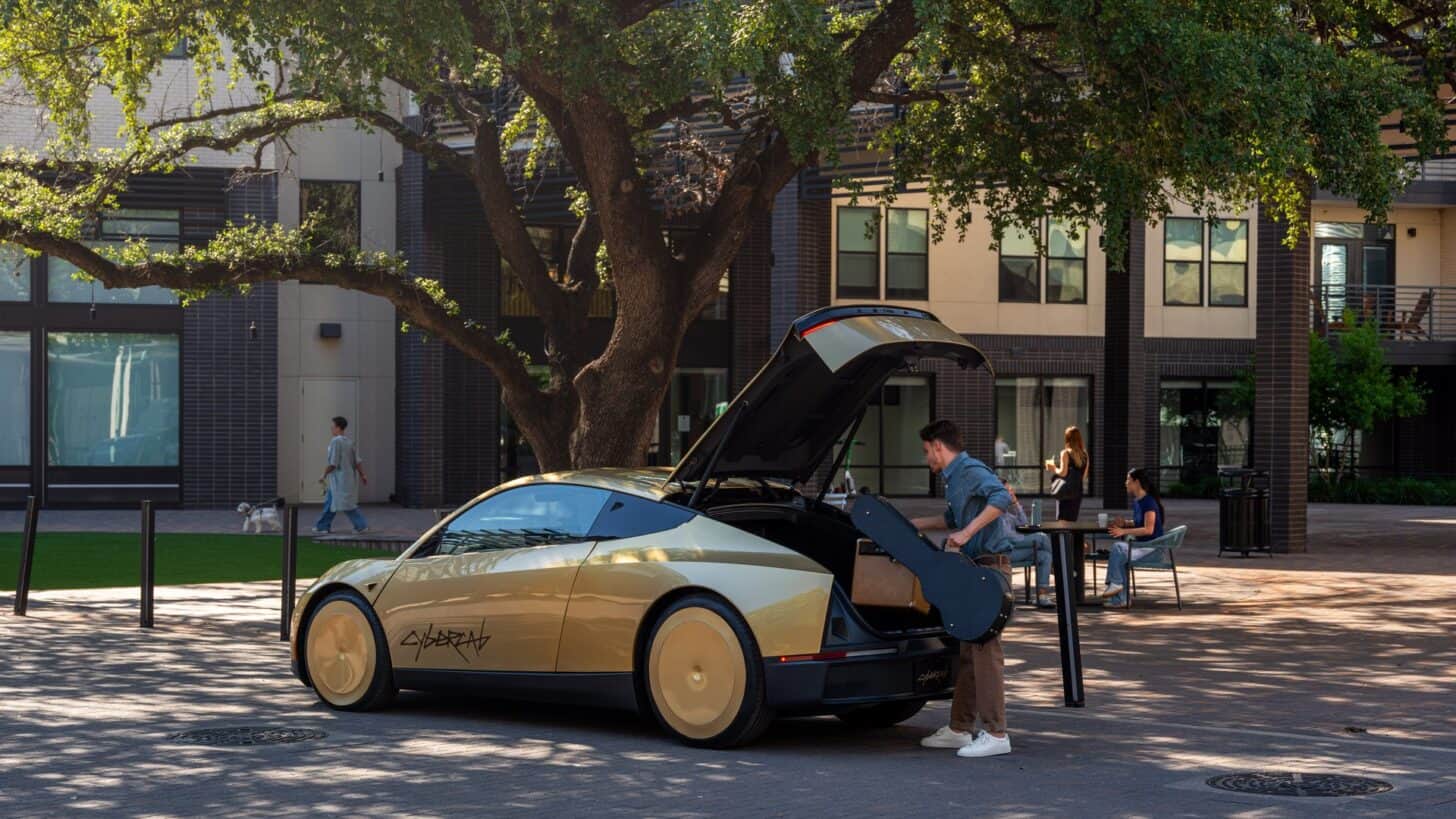
When police pull over a Tesla Cybercab, the driverless car is designed to park, switch off self-driving and flash its hazard lights about twice as fast as usual. It also opens a call with Tesla’s Robotaxi Support team so the officer has someone to talk to.
Tesla’s November 20 first responder guide explains how the car tells a traffic stop apart from an emergency vehicle that just needs to get by. Its cameras and sound detection system look for flashing lights and sirens. If the emergency vehicle is just passing, Cybercab is designed to slow or move aside without using the rapid hazard signal.
If the emergency vehicle follows with both lights and siren active, Tesla says Cybercab looks for the first safe place to park without blocking a driveway. On a highway, it may move to the rightmost lane and keep going until there’s a safe place to stop. After it parks and switches off self-driving, the fast flashes continue for the duration of the stop. That’s different from a regular pickup or drop-off: a Cybercab can be in Park with its hazards flashing at the normal rate and still have self-driving active. Tesla tells responders to confirm with Robotaxi Support that the car is secured before approaching.
Tesla says Cybercab is also designed to respond to clearly visible hand signals from first responders and follow paths marked by traffic cones. If officers need to move the vehicle, Tesla Support can verify a badge or official ID through a side camera before granting access to the on-screen driving controls.
Both windows lower partway during a traffic stop, and the doors unlock automatically if the car is empty. Exterior microphones and speakers under the car let responders speak to Tesla’s support team from outside. The car saves camera footage from before and after the stop or a serious incident that turns off self-driving.
In a serious collision, the car is also designed to unlock its doors so occupants can get out. If the airbags deploy, both windows lower all the way to vent the cabin.
The stop procedure appears in the same guide that describes operation on roads posted at up to 85 mph. Tesla’s earlier Robotaxi safety material also explains how responders can use a windshield QR code to find registration and insurance details.
What would you want a driverless car to tell its passengers during a traffic stop?
Tesla news, every morning.
Software updates, deliveries, FSD rollouts. Five minutes. Free.